sportcat sc150 light mod?

Status
Not open for further replies.

skydmark1

Member
Joined
Nov 25, 2008
Messages
85
Reaction score
0
Location
Littleton, NH
Hey guys,

I have a Uniden Sportcat SC-150 hand held that I currently scan with. I use it in my bedroom mostly and it's plugged in with the AC plug. The battery pack has long been ruined and doesn't hold a charge anymore.

Anyway, I really would like to be able to see the display on this easier. It's great when I hit the light button and the display lights up, the problem is that it only lasts for 15 seconds. Anyone know how I can get it to turn on and stay on? I'm not beyond taking the scanner apart and fiddling with it if need be.

Thanks!!
~Jason
 

pro92b

Mutated Member
Premium Subscriber
Joined
Jun 27, 2002
Messages
1,995
Reaction score
263
The SC150 is supposed to be the same as the Albrecht AE105H. The partial schematic below shows how to make the light stay on when the radio is powered on. There will be no control of the light by the CPU with the modification. The URL at the bottom of the image has the full package of schematics and PC board layouts.
 

Attachments

  • AE105H.JPG
    AE105H.JPG
    96.5 KB · Views: 5,976

davidmc36

Member
Premium Subscriber
Joined
Nov 14, 2004
Messages
1,861
Reaction score
3
Location
South East Ontario
That same thing irked me with my BC245XLT. I found a nice little free program for PC interface and there was an option in there to control the light. It had an extra option of "permanent" for the time delay. I see there is/was a program available for the SportCat. That is about the only thing that comes to mind from my end. The drawback is that on my 245 it would clear that setting everytime you turned off the scanner, but if you just unplugged it from the computer and left it on the light will stay on.

David
 

pro92b

Mutated Member
Premium Subscriber
Joined
Jun 27, 2002
Messages
1,995
Reaction score
263
I see there is/was a program available for the SportCat. David

The SC150 does not have a remote interface for either cloning or PC programming.
 

pro92b

Mutated Member
Premium Subscriber
Joined
Jun 27, 2002
Messages
1,995
Reaction score
263
That SC150 was modified by Race-Scan Communications to add the PC interface. Stock units don't have the interface.
 

skydmark1

Member
Joined
Nov 25, 2008
Messages
85
Reaction score
0
Location
Littleton, NH
Ya mine is stock, no PC interface. Guess it's time to break out the soldering gun and try the jumper....thanks for the schematic!
 

skydmark1

Member
Joined
Nov 25, 2008
Messages
85
Reaction score
0
Location
Littleton, NH
hmm, maybe not. first, i'm not that great at reading schematics, second there's a metal plate covering what I think I need to get at, and I can get all but 1 screw out. The last screw is encased in some kind of black stuff on the circuit board
 

skydmark1

Member
Joined
Nov 25, 2008
Messages
85
Reaction score
0
Location
Littleton, NH
I can't view that article because I joined that site and viewed an article already today...haha, guess I'll have to wait. Thanks though
 

davidmc36

Member
Premium Subscriber
Joined
Nov 14, 2004
Messages
1,861
Reaction score
3
Location
South East Ontario
It's pretty basic stuff actually. Talks about using a VERY tiny cutter on a dremel tool to take away just enough of the black stuff so the screw will break loose.
 

skydmark1

Member
Joined
Nov 25, 2008
Messages
85
Reaction score
0
Location
Littleton, NH
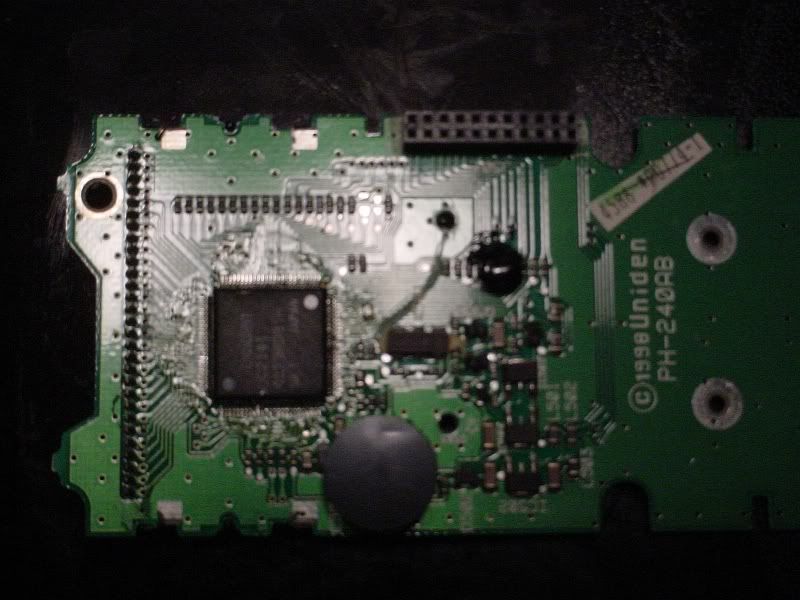
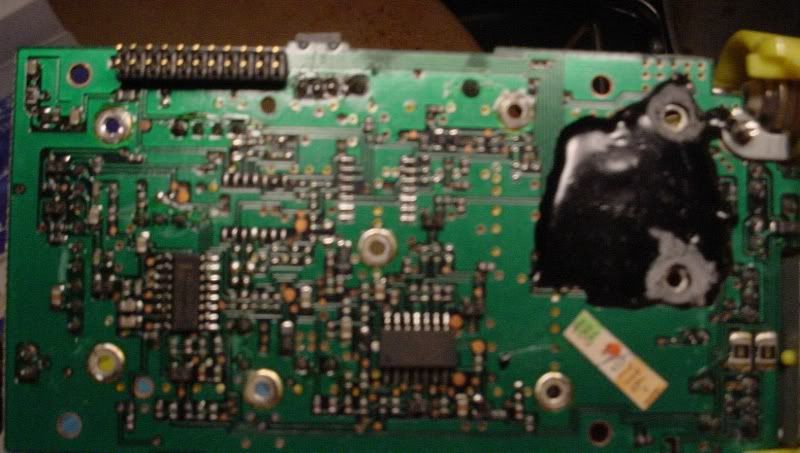
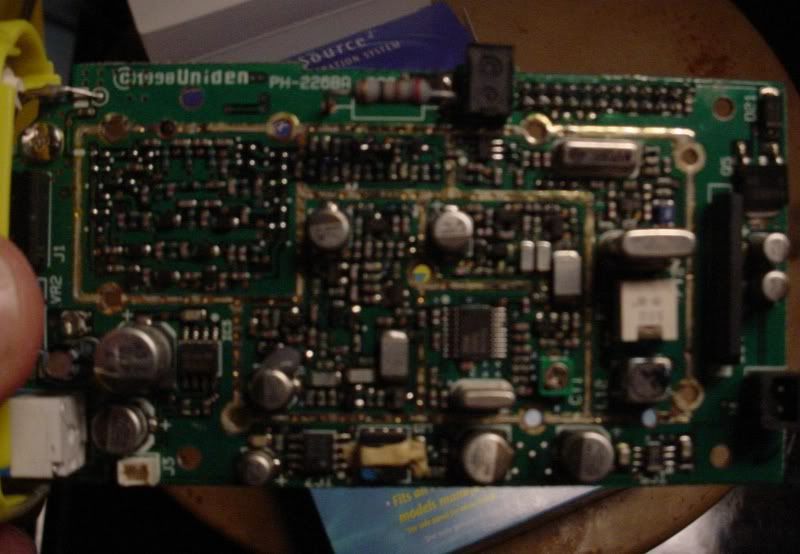
Here's a couple pictures of the two boards from my scanner, can somebody who knows more than me take a look and see if it matches the schematic posted a few posts back. I'm not good with electrical schematics.....give me a machinists blueprint and I'm good to go though! :D

Also, if you can make out where the jumper should go, go ahead and make it obvious for me so I don't screw it up...HAHA

Sorry for the quality, I tried to sharpen it up a bit. My cam wouldn't focus well that close.


unidencircuitboard4.jpg


unidencircuitboard2.jpg


unidencircuitboard.jpg


Let me know what you think, Maybe this isn't going to work...I dunno. I'm just trying stuff till I can save up for a Pro-96
 

pro92b

Mutated Member
Premium Subscriber
Joined
Jun 27, 2002
Messages
1,995
Reaction score
263
There were two versions of the SC150 and the later one was an update to comply with FCC requirements to reject 800 MHz cell phone frequency images. Your boards look like they might be from the later model while the schematic appears to be the earlier version. Much higher resolution photos would be needed to even try to figure out what to modify.
 

skydmark1

Member
Joined
Nov 25, 2008
Messages
85
Reaction score
0
Location
Littleton, NH
I figuired as much on the resolution, I can probably get some better pictures if you think it's worth while. Otherwise I'll just eagerly wait till I can spring for the Pro-96 which I can program the light to stay on :) Still would be nice to figuire it out on this one
 

davidmc36

Member
Premium Subscriber
Joined
Nov 14, 2004
Messages
1,861
Reaction score
3
Location
South East Ontario
Now that I look at the schematic I think all it is showing is to make a permanent ground for the lights. Those are the two LED's inside the dotted box. See how it shows 4 volts coming in from the left side? It shows a red jumper to the ground, the symbol below the NOT gate that looks like a little rake. It was just an easy way for the guy drawing it to point out a ground. You are in a sense bypassing the NOT gate which goes to the CPU where the control circuit and timer are. But in simpler terms, voltage in on the left of the diodes and ground the other side anywhere convenient.
 

davidmc36

Member
Premium Subscriber
Joined
Nov 14, 2004
Messages
1,861
Reaction score
3
Location
South East Ontario
DON'T FORGET TO DO IT DOWNSTREAM OF THE TWO RESISTORS OR YOU MAY CAUSE EXCESS CURRENT IN THE LIGHT AND BURN IT OUT! Find those two reisitors and you should be OK. No easy task with all that surface mount stuff though
 

davidmc36

Member
Premium Subscriber
Joined
Nov 14, 2004
Messages
1,861
Reaction score
3
Location
South East Ontario
How about a pic of the display? Maybe we could see where the resistors are. Do you have another camera that has Macro mode. (usually depicted by a little flower icon) it will allow you to take a pictur from as close as a few inches and still stay in focus.
 

skydmark1

Member
Joined
Nov 25, 2008
Messages
85
Reaction score
0
Location
Littleton, NH
Ya, I think my wife's cam has better resolution and macro mode so tomorrow I'll pull the scanner back apart and take some more pictures. When I was looking at the schematic before I thought it was jumping to a ground but wasn't sure from where.
 
Status
Not open for further replies.
Top