Yaesu: FT-60

Status
Not open for further replies.

merlin

Active Member
Joined
Jul 3, 2003
Messages
3,948
Reaction score
1,891
Location
DN32su
What programming cables are compatible with the FT-60?
 

D31245

Member
Premium Subscriber
Joined
Dec 11, 2023
Messages
350
Reaction score
415
Location
FN42
I use #3 below with the RT Systems Software (macOS version which is a breeze and never gave me any problems). They provide frequent updates to the software as well. I'll let others chime in for other options.

From ChatGPT:

The Yaesu FT-60R is a popular dual-band handheld transceiver, and it supports programming via a cable that connects the radio to a computer. Here are the compatible programming cables and relevant details:


Compatible Programming Cables for Yaesu FT-60


  1. Yaesu Original CT-91 + CT-29(or CT-27 combo)
    • The CT-91 is a mic adapter (3.5mm/2.5mm split) and must be used with CT-29 (RS-232 serial cable).
    • Hard to find and relatively expensive.
  2. USB Programming Cable (Third-party / Clone of CT-91+CT-29)
    • Most common and convenient solution.
    • Typically uses a USB-to-Serial chip, like:
      • FTDI (recommended for best compatibility)
      • CH340 (cheaper alternative)
      • Prolific PL2303 (can be problematic due to driver issues)
    • Ends in a 2-pin connector (3.5mm and 2.5mm) that plugs into the side of the radio.
  3. RT Systems USB-57B Cable
    • Officially supported and works with RT Systems Software (proprietary, but stable).
    • More expensive but reliable.


🔌 Connection Pinout (for DIY or Verifying)


  • 3.5mm (SPK) plug – Speaker (audio out)
  • 2.5mm (MIC) plug– Includes TXD/RXD for data/programming
    • GND
    • TXD
    • RXD


💻 Software Support


  • CHIRP(Free & Open Source)
    • Supports the FT-60
    • Works with most FTDI and CH340-based cables
  • RT Systems(Paid)
    • Requires their cable or specific driver match
    • Easier for beginners


🔧 Tips


  • Always install the correct USB driver for your chip (FTDI, CH340, or Prolific).
  • Avoid Prolific-based cables if possible — many cheap ones use counterfeit chips.
  • Use CHIRP with FTDI/CH340 cables for the most flexibility.


AK9R

Lead Wiki Manager and almost an Awesome Moderator
Staff member
Super Moderator
Joined
Jul 18, 2004
Messages
11,068
Reaction score
10,595
Location
Central Indiana
If you are going to use RT Systems software, buy their cable with the software: FT-60 Radio Programming Software | Yaesu Radio Software | Cloning Software

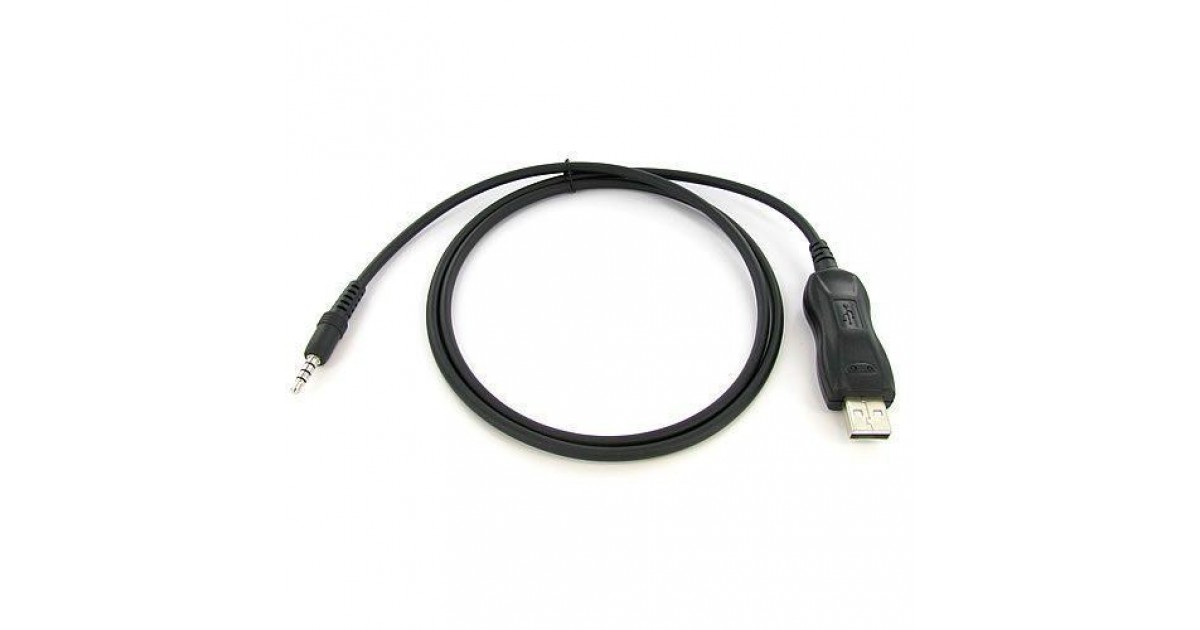
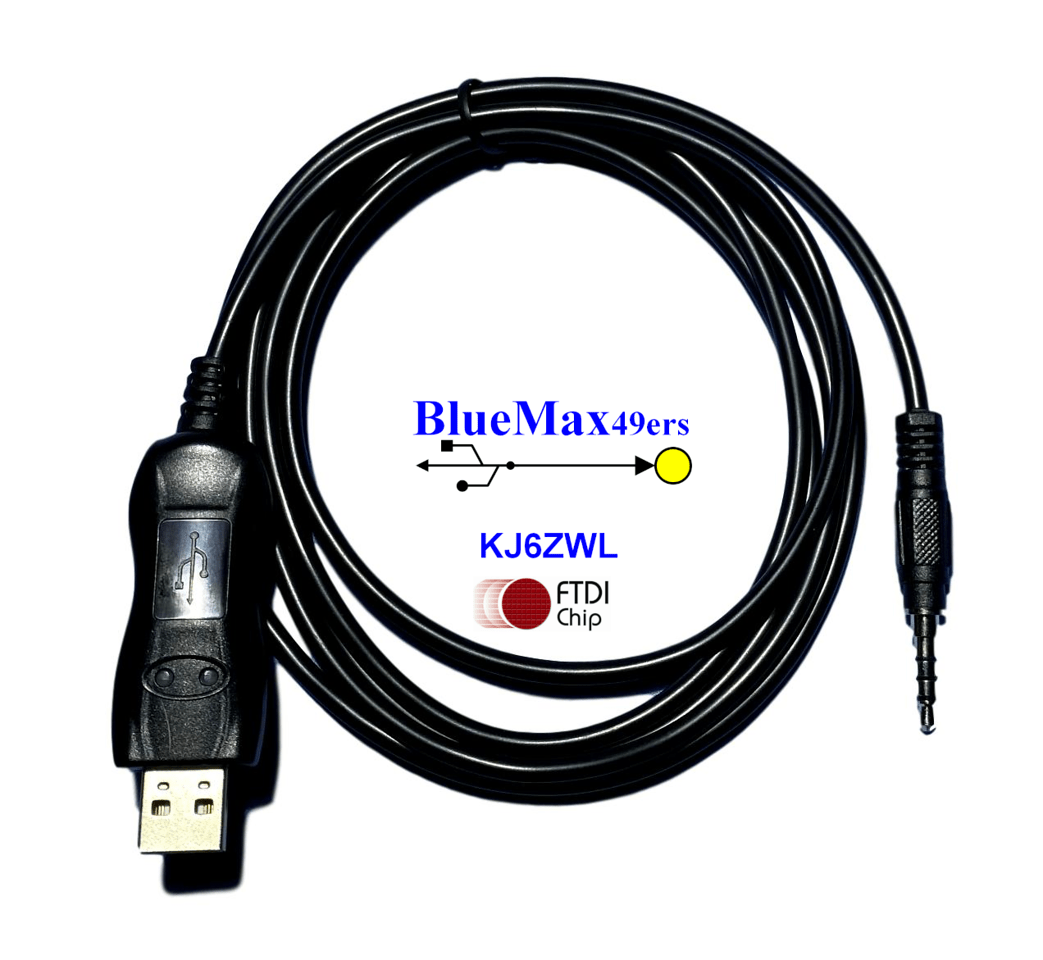
If you are using some other software, buy the Valley Enterprises or BlueMax46ers cable:


merlin

Active Member
Joined
Jul 3, 2003
Messages
3,948
Reaction score
1,891
Location
DN32su
Thanks people. I found the FTDI version CT-91. I have so many programming cables,just thinking not buyin somthething I already have.
I have a few with the single 3.5 mm plug, just puzzeled over the tip, two sleeves, and ground. None I have, have that plug, so buying yet another.
I really like RT systems, but awful expensive for a radio I am refurbing, Chirp, well, it works, but. Maybe some official cloning software.
TNX
I use #3 below with the RT Systems Software (macOS version which is a breeze and never gave me any problems). They provide frequent updates to the software as well. I'll let others chime in for other options.

From ChatGPT:

The Yaesu FT-60R is a popular dual-band handheld transceiver, and it supports programming via a cable that connects the radio to a computer. Here are the compatible programming cables and relevant details:


Compatible Programming Cables for Yaesu FT-60


  1. Yaesu Original CT-91 + CT-29(or CT-27 combo)
    • The CT-91 is a mic adapter (3.5mm/2.5mm split) and must be used with CT-29 (RS-232 serial cable).
    • Hard to find and relatively expensive.
  2. USB Programming Cable (Third-party / Clone of CT-91+CT-29)
    • Most common and convenient solution.
    • Typically uses a USB-to-Serial chip, like:
      • FTDI (recommended for best compatibility)
      • CH340 (cheaper alternative)
      • Prolific PL2303 (can be problematic due to driver issues)
    • Ends in a 2-pin connector (3.5mm and 2.5mm) that plugs into the side of the radio.
  3. RT Systems USB-57B Cable
    • Officially supported and works with RT Systems Software (proprietary, but stable).
    • More expensive but reliable.


🔌 Connection Pinout (for DIY or Verifying)


  • 3.5mm (SPK) plug – Speaker (audio out)
  • 2.5mm (MIC) plug– Includes TXD/RXD for data/programming
    • GND
    • TXD
    • RXD


💻 Software Support


  • CHIRP(Free & Open Source)
    • Supports the FT-60
    • Works with most FTDI and CH340-based cables
  • RT Systems(Paid)
    • Requires their cable or specific driver match
    • Easier for beginners


🔧 Tips


  • Always install the correct USB driver for your chip (FTDI, CH340, or Prolific).
  • Avoid Prolific-based cables if possible — many cheap ones use counterfeit chips.
  • Use CHIRP with FTDI/CH340 cables for the most flexibility.


There is only one 3.5mm jack, used for speaker mics and programming cables.
Some Kenwood and Baofeng use 2 plug configuration. wont work for this Yaesu.
TNX
 
Status
Not open for further replies.
Top