Issue where Proscan record every clip with same message.

va2dg

Member
Joined
Aug 9, 2012
Messages
28
Reaction score
3
Location
Saint-Jean-sur-Richelieu,PQ.Canada
HI Proscan community,
here is my problem. I have a scanner that is used for CPKC Railroad recording 24/7
Usually i listen live on a Zello channel.
But when i want to listen to specific date i just listen thru the saved files on my FreeNas.
To my big surprise all audio clip not mather the length have the same 15sec recording from Weather radio which state "Weather Radio Canada Dec 20th....
If clip are longer that 15 sec then it just play in loop for the original recording length.

But the original audio was broadcasted on Zello with the right information but saved with the Weather clip.
I know that day dec 20th just for testing for adjusting my audio i did tune to Weather radio then i resume the scan.

How could Proscan record the wrong info? Probably a glitch in Proscan that kept that Weather clic and send it to the recorder.

All audio clip from 3 scanners are saved on my FreeNas server. Only for Scanner 3 from dec 20th that this happened

So first i rebooted my FreeNas but issue still there.

Second i closed Proscan and restart it and bingo the recording is now ok.

I am trying to find that the hell happen..

Any of you guy have had that issue?

73 Daniel VA2DG
 

cg

Member
Premium Subscriber
Joined
Dec 13, 2000
Messages
5,165
Reaction score
1,677
Location
Connecticut
And your version, radio, how it is hooked up, did you try a reinstallation?
For Bob to try to find and fix an issue, he will likely need a bit more info. Also, he is very good about looking into issues but does prefer to have an email about things that are problems. This allows him to send test version files, gather more info, etc. It also allows you to send him your files if needed without posting them online.
Support@ProScan.org was the address I have used in the past.
 

va2dg

Member
Joined
Aug 9, 2012
Messages
28
Reaction score
3
Location
Saint-Jean-sur-Richelieu,PQ.Canada
I don't see where you tested the loopback to isolate the problem. Click the loopback box (see the image below) then listen to the computer speaker to see if you hear weather.

{edit} Do you have a scanner tuned to weather?

View attachment 196541
Sorry for being late i was out of town.
Yes i did click the loopback and no weather heard. Probably because i had restarted the Proscan before writing my original post above.
Restarting Proscan did fix the problem.

The scanner hooked up on this Proscan only scan 3 Freq for CP Rail.
There is no weather channel programmed on this scanner. The only time i have listen to weather was to get a steady RF with audio to fine tune the audio level. I did it thru the SC on top right and entered 162.55 and Tune then once done i just click back the scan.
Sorry again for being late.

Also reading all the new messages i see that someone else had the same issue. Stranged.
 

va2dg

Member
Joined
Aug 9, 2012
Messages
28
Reaction score
3
Location
Saint-Jean-sur-Richelieu,PQ.Canada
FYI, I am new here - just installed proscan ~3 days ago with my BCD996XT, and I am having the exact same problem - I have now collected hundreds and hundreds of mp3 files, all label with different names etc - but as i click around and play some of them, it seems 50-60% have the exact same clip - and as the OP stated, if the 'real' recording is longer than the clip, it just keeps playing the same clip repeated.
Let me know what questions I can answer - retired programmer so I am not a computer novice. (though new to proscan).
Did you by any chance click on the SC on top right corner and entered a frequency manually to check and then resume scanning?
In my case the recording from Weather radio was stating date and time which was the exact moment i did tune manually to 162.55 for ajusting my audio. Then resume scanning but then on all saved clip were that Weather message. So i had for 1.5 months of recording with Weather.

As i said in my other response, Closing and restarting Proscan did clear the issue.

As per PROSCAN comments "I suspect he found the problem to be an operator error and he didn't want to admit it."

I dont see what operator error i could have done other then manually tuning to Weather channel. Which i do on my other Proscan from time to time on simply to quickly listen to a new frequency then resuming scanning. It never happened on the other 2 Proscan.
 

ProScan

Software Provider
Premium Subscriber
Joined
Jul 2, 2006
Messages
8,368
Reaction score
4,814
Location
Ontario, Calif.
@va2dg
Can you reduce all the variables. It will help in the troubleshooting process. Just use the one ProScan instance that's not working, eliminate Zello, and FreeNas. and can you retest then rewrite the problem, keeping it simple and to the point. It will help a lot.
Also post a screenshot of the recording options located in the menu Options - Recordings tab.
 
Last edited:

ejbrennan99

Member
Premium Subscriber
Joined
Jan 22, 2025
Messages
10
Reaction score
4
Location
Western Mass
@va2dg
Can you reduce all the variables. It will help in the troubleshooting process. Just use the one ProScan instance that's not working, eliminate Zello, and FreeNas. and can you retest then rewrite the problem, keeping it simple and to the point. It will help a lot.
Also post a screenshot of the recording options located in the menu Options - Recordings tab.
I am happy to report that after rebooting the scanner and windows machine and letting it run all night - I listened to ~100 overnight recordings and so far so good - no duplicate recordings. I'll report back in a few days and if no problems, I am going to assume it was a temp problem that a reboot fixed.

I wonder if the @va2dg only had the problem on the first of the 3 scanners he setup and not the others?
I have just the one, and being a proscan novice it took a buch of finagling to get the recordings to work for me (Both in proscan, and in the windows control panel) and I wonder if some combination of settings/attempts introduced a glitch - which a reboot then fixed - but if it was only the first of @va2dg 's machines, may he, like me, had to try and few things to get it setup and by the 2nd and 3rd machines he was able to set it up quicker without messing around like I did? (Things are almost always easier after the first one).
I will just add - I have been a scanner user for close to 40 years now, and now that I am retired am getting a bit more into radios again - but using ProScan with my BCD996XT - the first computer controlled scanner I have ever had - has increased my pleasure at least 1000%.

Very happy I decided to give it a trial.
 

ejbrennan99

Member
Premium Subscriber
Joined
Jan 22, 2025
Messages
10
Reaction score
4
Location
Western Mass
Did you by any chance click on the SC on top right corner and entered a frequency manually to check and then resume scanning?
In my case the recording from Weather radio was stating date and time which was the exact moment i did tune manually to 162.55 for ajusting my audio. Then resume scanning but then on all saved clip were that Weather message. So i had for 1.5 months of recording with Weather.

As i said in my other response, Closing and restarting Proscan did clear the issue.

As per PROSCAN comments "I suspect he found the problem to be an operator error and he didn't want to admit it."

I dont see what operator error i could have done other then manually tuning to Weather channel. Which i do on my other Proscan from time to time on simply to quickly listen to a new frequency then resuming scanning. It never happened on the other 2 Proscan.
Very likely - but I don't believe for me the reported glitch/duplicate content was actually from the weather channel - it was a different dispatchers voice and I never figured out which event was the one repeated - but direct entering a channel would not have been unusual while I was setting up and testing proscan recording capabilities.
 

ejbrennan99

Member
Premium Subscriber
Joined
Jan 22, 2025
Messages
10
Reaction score
4
Location
Western Mass
Do all 3 Scanners record to a different folder?
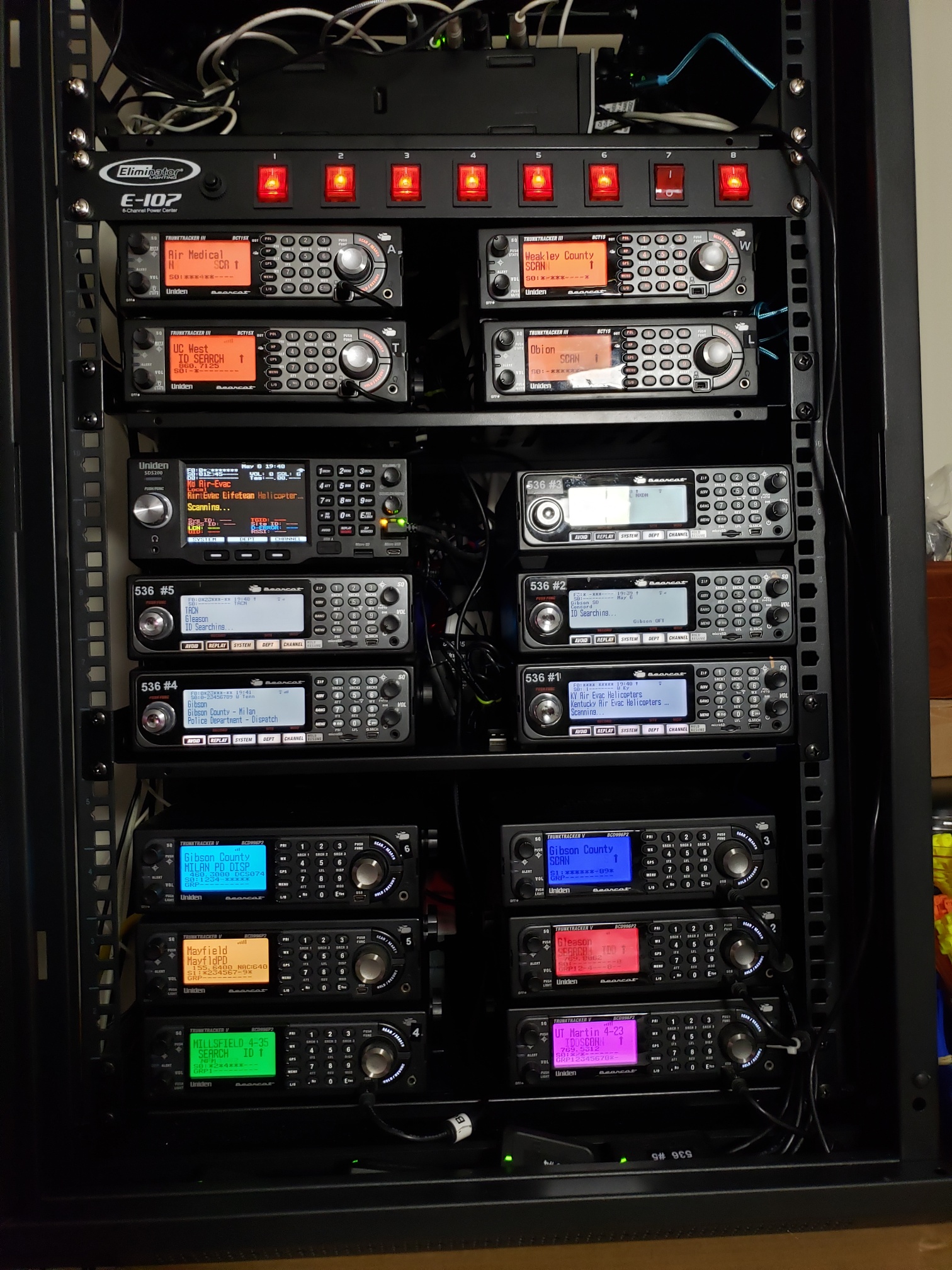
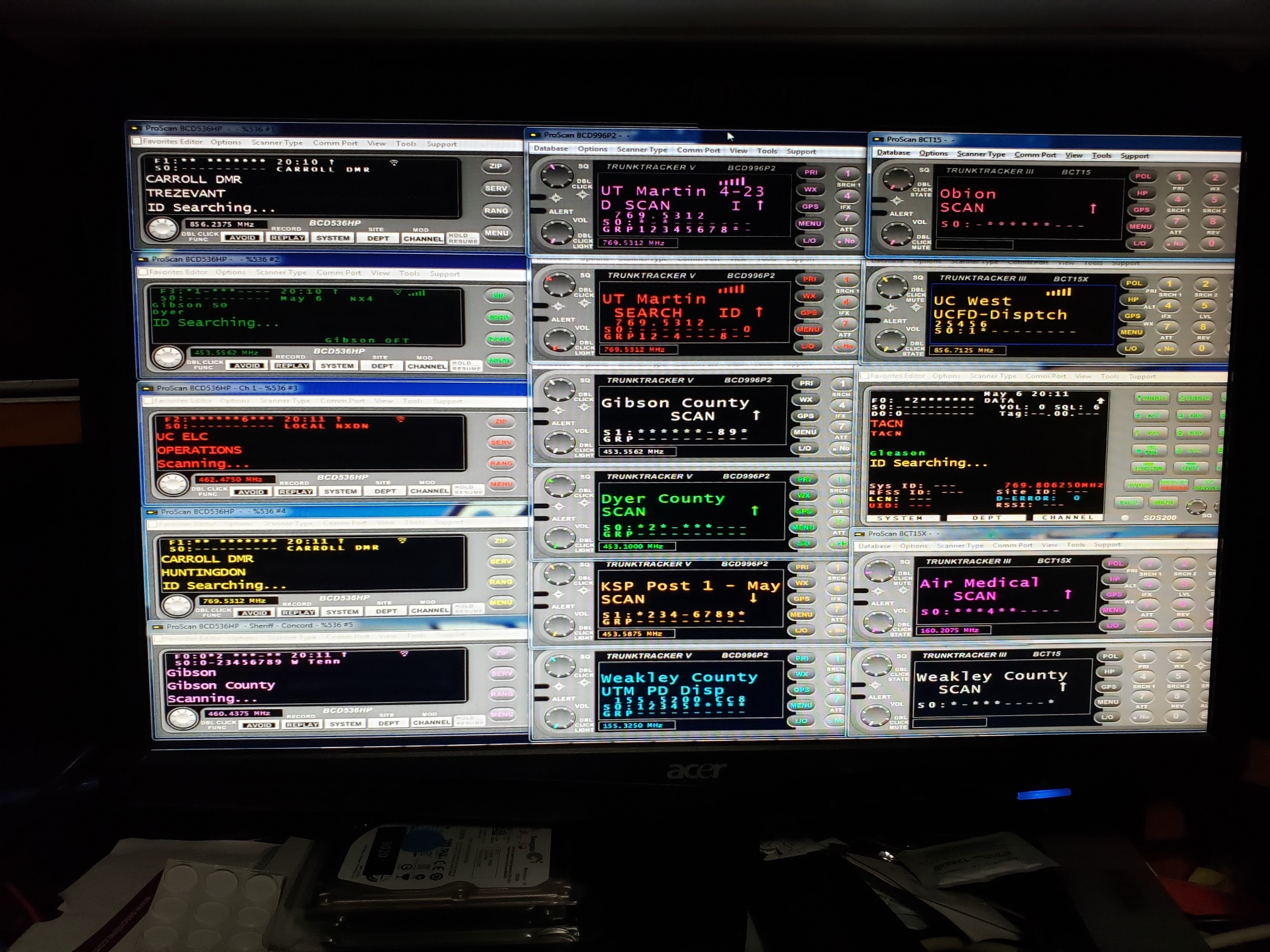
I am running 16 Scanners on 1 PC 16 copies of Proscan running in 16 different folders with audio recording in 16 different folders all on the same PC. not a NAS.
Does this mean you have 16 separate usb-1 cables all attached to a single PC? What are you using that has 16 serial and/or usb ports?
 

buddrousa

Member
Premium Subscriber
Joined
Jan 5, 2003
Messages
14,303
Reaction score
10,245
Location
Retired 40 Year Firefighter NW Tenn
No I have 10 USB cables running to 5 different Stereo Line inputs with 5 scanners going to the Left and 5 scanners going to the Right and 6 BCD536's running on IP for a total of 16 scanners logging and recording on the same PC.

full

full


full

full
 

ejbrennan99

Member
Premium Subscriber
Joined
Jan 22, 2025
Messages
10
Reaction score
4
Location
Western Mass
No I have 10 USB cables running to 5 different Stereo Line inputs with 5 scanners going to the Left and 5 scanners going to the Right and 6 BCD536's running on IP for a total of 16 scanners logging and recording on the same PC.

full

full


full

full
Wow - assume setup. Overkill for me, but I am a bit jealous anyway! Glad I don't pay your power bill!
 

va2dg

Member
Joined
Aug 9, 2012
Messages
28
Reaction score
3
Location
Saint-Jean-sur-Richelieu,PQ.Canada
@va2dg
Can you reduce all the variables. It will help in the troubleshooting process. Just use the one ProScan instance that's not working, eliminate Zello, and FreeNas. and can you retest then rewrite the problem, keeping it simple and to the point. It will help a lot.
Also post a screenshot of the recording options located in the menu Options - Recordings tab.

Here is my Opt Rec,

as far a the FreeNas, this this is a 2 TB drive cluster that all my scanners are saving the audio clip.

Zello is just a local APP that grabs the Audio from the mic input and feed it over the air.
While Procom was recording the Weather clip on the Hard drive, Zello was still playing the right CPKC rail audio, that is why i never catch the issue. I am listening to them daily.
Found the issue when i was doing an audit for a specific date looking at the directory on the Harddrive.

By the way this laptop have been running Proscan with that CPKC Scanner for over a year without flaws.


1771418471671.png
 
Last edited:

va2dg

Member
Joined
Aug 9, 2012
Messages
28
Reaction score
3
Location
Saint-Jean-sur-Richelieu,PQ.Canada
No I have 10 USB cables running to 5 different Stereo Line inputs with 5 scanners going to the Left and 5 scanners going to the Right and 6 BCD536's running on IP for a total of 16 scanners logging and recording on the same PC.

full

full


full

full
Wow that a huge setup,

question? what about Antenna's?
Are you running one for each scanner of you are multicoupling the signal?
What are you using?
I am using a 2 passive 4 ports couplers
 

ProScan

Software Provider
Premium Subscriber
Joined
Jul 2, 2006
Messages
8,368
Reaction score
4,814
Location
Ontario, Calif.
Here is my Opt Rec,

as far a the FreeNas, this this is a 2 TB drive cluster that all my scanners are saving the audio clip.

Zello is just a local APP that grabs the Audio from the mic input and feed it over the air.
While Procom was recording the Weather clip on the Hard drive, Zello was still playing the right CPKC rail audio, that is why i never catch the issue. I am listening to them daily.
Found the issue when i was doing an audit for a specific date looking at the directory on the Harddrive.
It's not clear to me if you are still experiencing the problem. In your OP, you stated "To my big surprise all audio clip not mather the length have the same 15sec recording from Weather radio which state "Weather Radio Canada Dec 20th...."

Do you still hear "Weather Radio Canada Dec 20th...." or with the current date?

By the way this laptop have been running Proscan with that CPKC Scanner for over a year without flaws.
What changed on your computer? Could it be an app that's generating "Weather Radio Canada Dec 20th...."
 

ejbrennan99

Member
Premium Subscriber
Joined
Jan 22, 2025
Messages
10
Reaction score
4
Location
Western Mass
@ProScan - not the OP, but I was also having the same problem, as I stated above, and it has now (after an additional 36 hours of recording and listening to a few hundred clips) - not had the problem repeat for me. Seems a complete shutdown and reboot of everything (PC, proscan and the radio) did the trick.
 

va2dg

Member
Joined
Aug 9, 2012
Messages
28
Reaction score
3
Location
Saint-Jean-sur-Richelieu,PQ.Canada
Do you still hear "Weather Radio Canada Dec 20th...." or with the current date?


What changed on your computer? Could it be an app that's generating "Weather Radio Canada Dec 20th...."

First question? No not hearing Weather radio anymore.

Second question? Nothing have change, no other app running other than Proscan, and Zello. That's the only 2 apps running since day one.
 
Top