Sentinel Software Help

Status
Not open for further replies.

kc8lzg

Member
Joined
Feb 8, 2021
Messages
10
Reaction score
1
Location
Zeeland, Michigan
I just ordered a SDS200 and would like to familiarize myself with the Sentinel Software. Is there a best way to do this either by tutorial or downloading the software?
 

K4EET

Chaplain
Premium Subscriber
Joined
Feb 18, 2015
Messages
2,906
Reaction score
2,124
Location
Severn, Maryland, USA
Hi @kc8lzg, please allow me to make a suggestion. If I were you, I'd read the following thread in its entirety about Sentinel versus ProScan. We helped that user decide which software app they might want to use to program their scanner. They were having problems using Sentinel to do the programming. See:


It starts out about a Wi-Fi dongle but quickly evolves into a scanner programming thread with all of the pros and cons of the apps. You may want to try ProScan to see if it might serve you better before you go too far with Sentinel. And Bob @ProScan is the author of ProScan and is a frequent poster here at Radio Reference. The manual for ProScan and the link to ProScan for the free 30-day trial subscription is in the referenced thread above. I just wanted to make you aware of a much better and more powerful tool for your new scanner.

73, Dave K4EET
 

gmclam

Member
Premium Subscriber
Joined
Sep 15, 2006
Messages
6,500
Reaction score
677
Location
Fair Oaks, CA
Hi @kc8lzg, please allow me to make a suggestion. If I were you, I'd read the following thread in its entirety about Sentinel versus ProScan. We helped that user decide which software app they might want to use to program their scanner. They were having problems using Sentinel to do the programming. ...
But you'll still need Sentinel for updating firmware and the program is free.
 

ofd8001

Member
Premium Subscriber
Joined
Feb 6, 2004
Messages
8,412
Reaction score
1,543
Location
Louisville, KY
Most importantly, give yourself permission to make a mistake. We have all made them as we learn the programming software. You cannot brick your scanner with bad programming, so don't fear that.

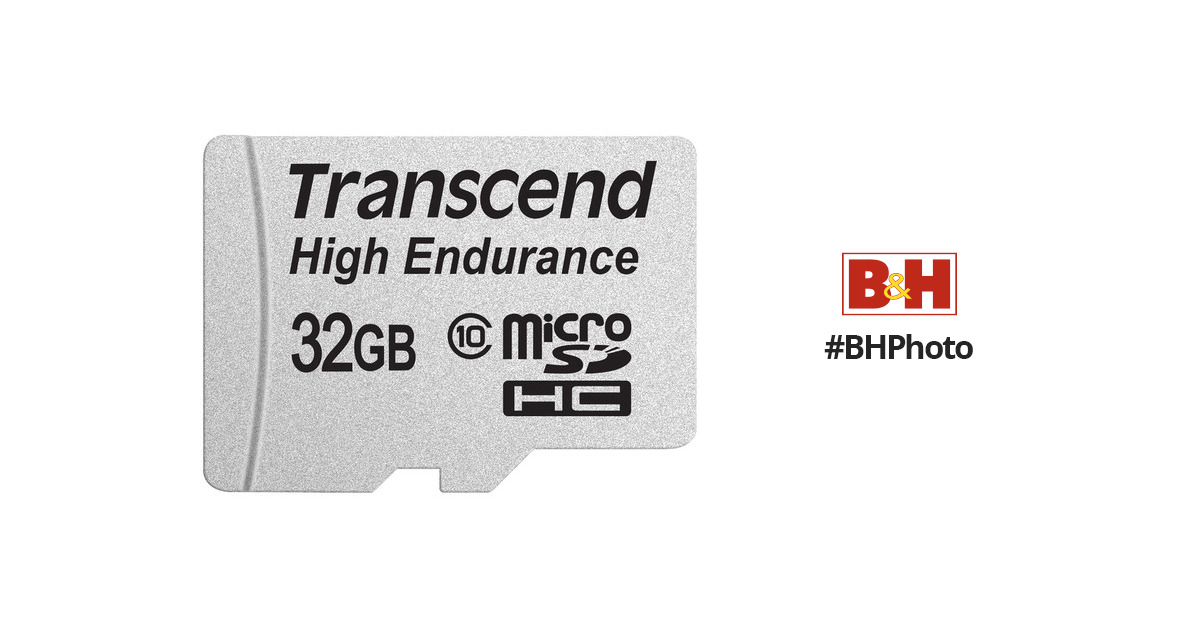
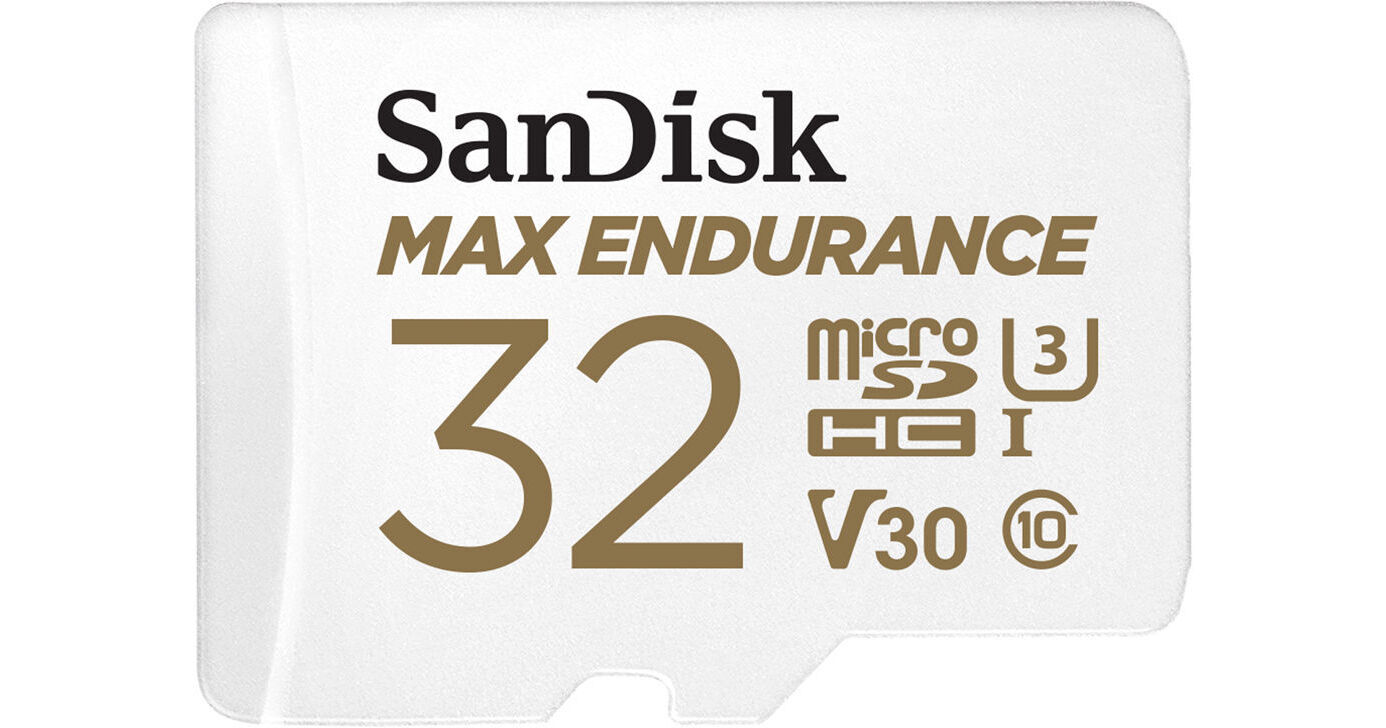
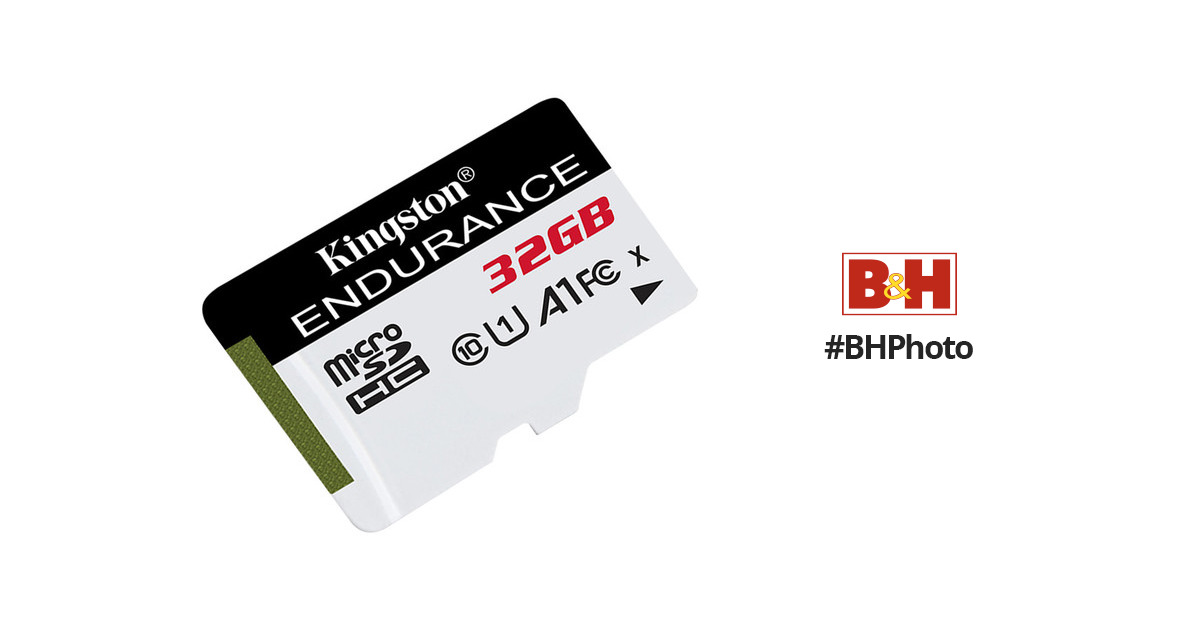
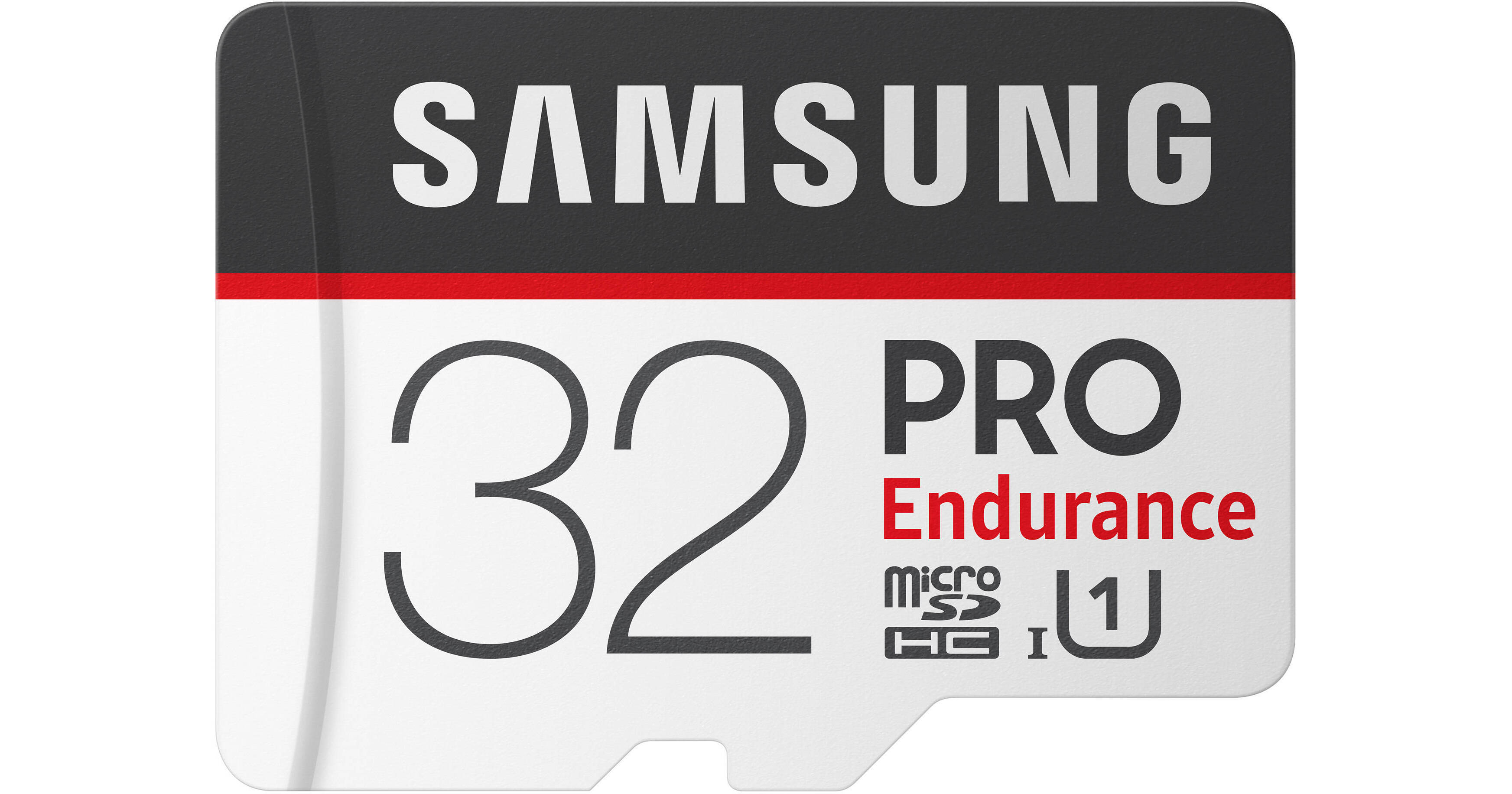
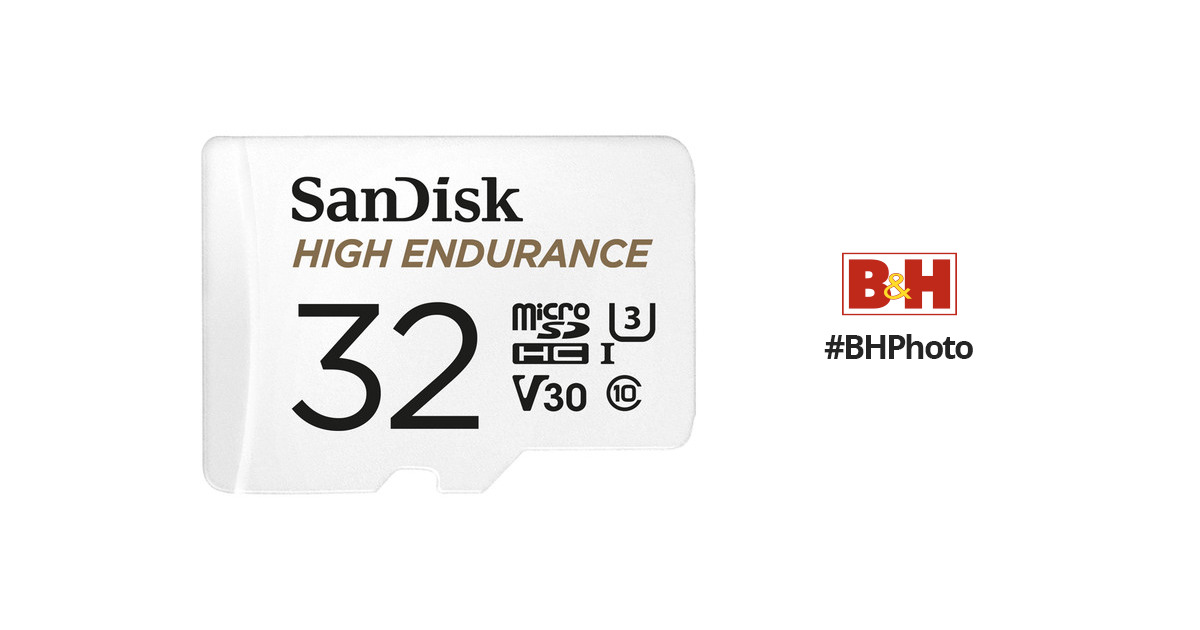
Once you get your scanner and begin to program it, having copies of your programming is a good thing in case you have to backtrack. Also SD cards are fairly inexpensive, so get some extras and program them for spares/backup copies of programming. The kind that are built for frequent write/re-writes are preferable.


One thing I would pay particular attention to is the total number of hours of total read/write time. The more costly cards may have significantly more, making them cheaper in the long run.
 
Status
Not open for further replies.
Top