on7ndr
Member
first choose open (left) and go to telive folder , click on receiver_grc 1 udp
than you see things rolling and also "generate" like your photo
BUT than you must go to RUN tab after the generate, and click and choose "EXECUTE"
than if you have no error, you will see the receiver.
to activate live tetra, cd telive/./rxx
now installed my telive with easy install script also, works also very good
good luck de on7ndr
than you see things rolling and also "generate" like your photo
BUT than you must go to RUN tab after the generate, and click and choose "EXECUTE"
than if you have no error, you will see the receiver.
to activate live tetra, cd telive/./rxx
now installed my telive with easy install script also, works also very good
good luck de on7ndr

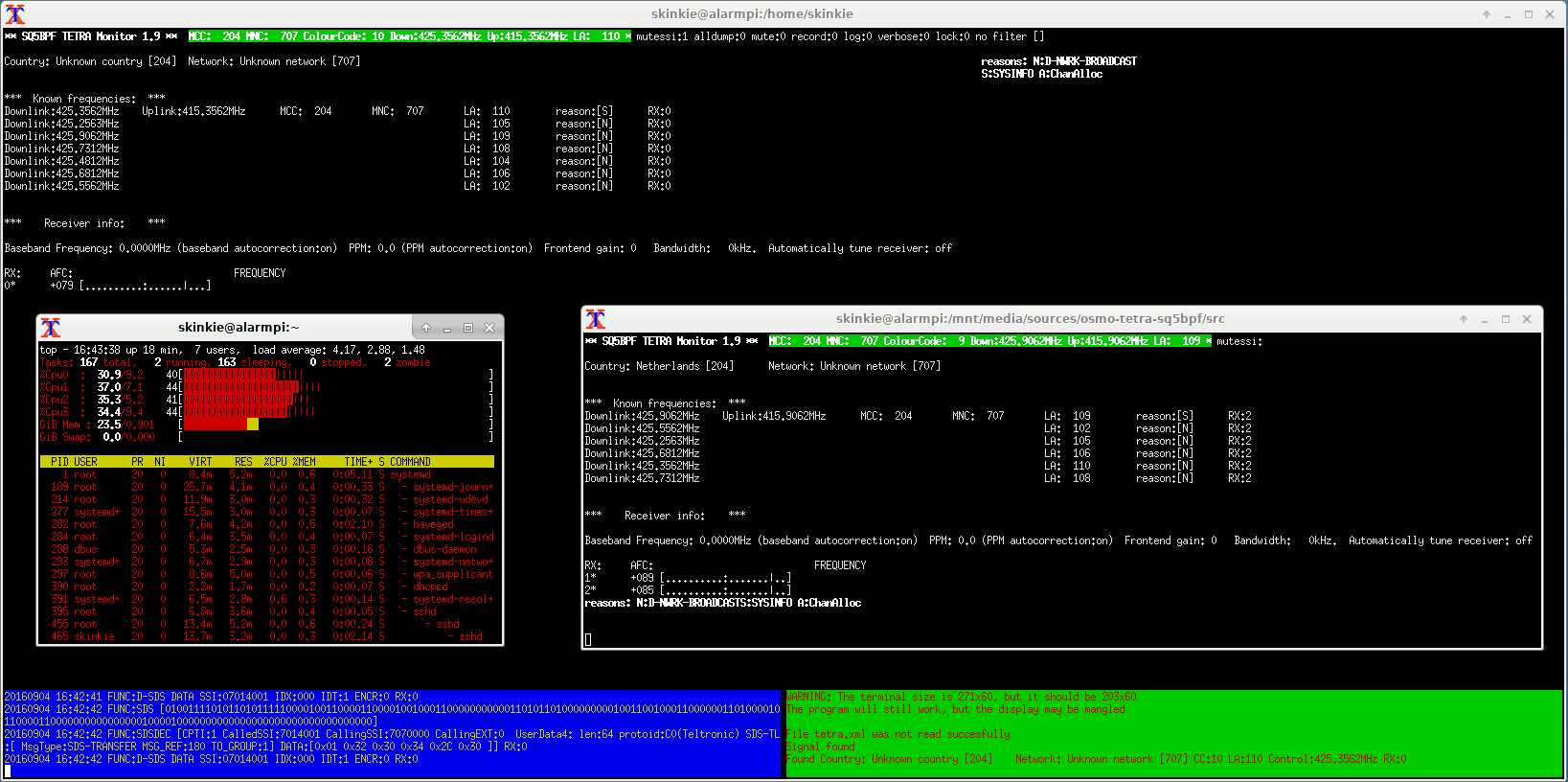
 So today I set up a RPi3 with DVB-T2 dongle. I already knew my old dongle was a bit flacky some would say I might have destroyed it by static electricity. Using my custom gnublock code I am able to tune into three channels on a RaspberryPi3 and have some headroom left. I still see improvements possible but I just want to let you know that for a few bucks you can run the code and do more than before.